How to add a Trust Provider
Trust Provider: Trust Providers validate Client Workload identities through workload attestation, verifying identity claims from the workload's runtime environment rather than relying on pre-shared secrets.Learn more enable Aembit to authenticate without provisioning credentials or other secrets. Trust Providers are third-party systems or services that can attest identities with identity documents, tokens, or other cryptographically signed evidence.
Client Workload: Client Workloads represent software applications, scripts, or automated processes that initiate access requests to Server Workloads, operating autonomously without direct user interaction.Learn more identity attestation ensures that only trusted Client Workloads can reach the Server Workload: Server Workloads represent target services, APIs, databases, or applications that receive and respond to access requests from Client Workloads.Learn more that Aembit protects.
Configure Trust Provider
Section titled “Configure Trust Provider”If you are getting started with Aembit, configuring Trust Providers is optional; however, it’s critical to secure all production deployments.
-
Click the Trust Providers tab.
-
Click + New to create a new Trust Provider.
-
Give the Trust Provider a name and optional description.
-
Choose the appropriate Trust Provider type based on your Client Workloads’ environment.
-
Follow the instructions for the Trust Provider based on your selection. Select your Trust Provider type from the sidebar to open its configuration details.
-
Configure one or more match rules (specific to your Trust Provider type).
-
Click Save.
Client Workload identity attestation
Section titled “Client Workload identity attestation”You must associate one or more Trust Providers with the existing Access Policy: Access Policies define, enforce, and audit access between Client and Server Workloads by cryptographically verifying workload identity and contextual factors rather than relying on static secrets.Learn more for Aembit to use Client Workload identity attestation.
-
Select an existing Access Policy to open the Access Policy Builder.
-
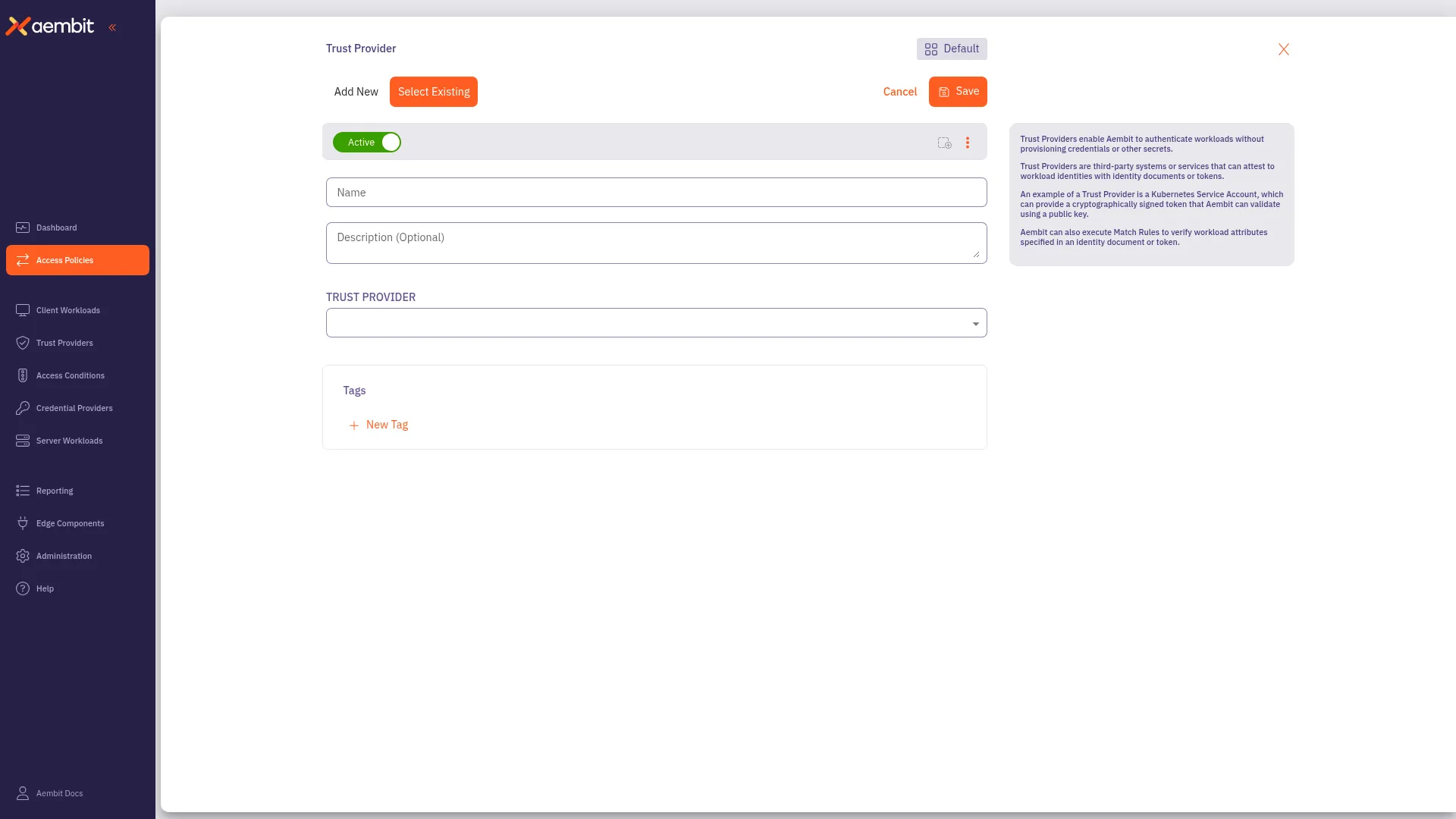
In the Trust Provider card in the right panel, click + Configure.
-
Select the Add New tab to create a new Trust Provider, or select the Select Existing tab to choose from existing Trust Providers.
Agent Controller identity attestation
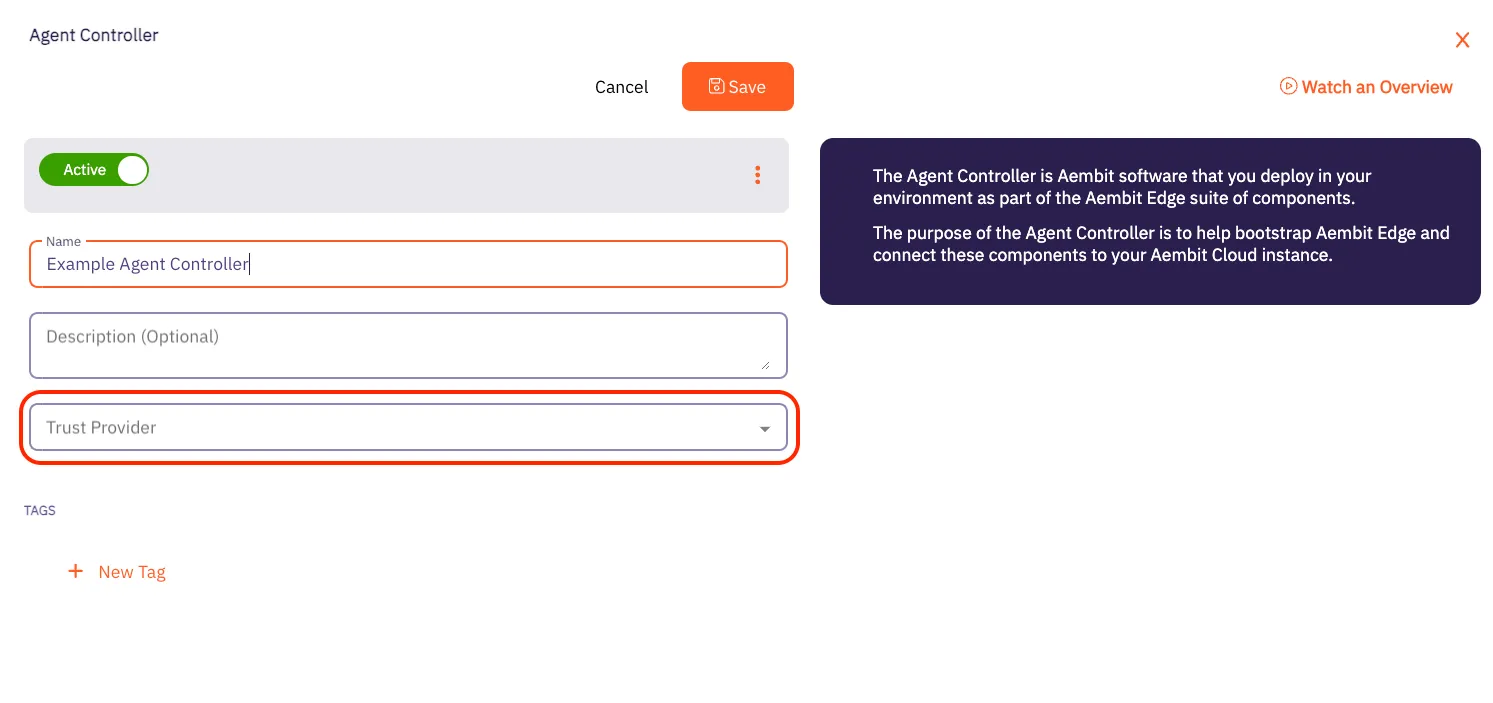
Section titled “Agent Controller identity attestation”You must associate a Trust Provider with Agent Controller in order for Aembit to use Agent Controller for identity attestation.
-
Click the Edge Components tab.
-
Select one of the existing Agent Controllers.
-
Click Edit.
-
From the dropdown, choose one of the existing Trust Providers.