Configure an Aembit Access Token Credential Provider
The Aembit Access Token Credential Provider generates access tokens for authenticating applications and services to the Aembit API.
Create an Aembit Access Token Credential Provider
Section titled “Create an Aembit Access Token Credential Provider”To configure an Aembit Access Token Credential Provider, follow these steps.
-
Log into your Aembit Tenant.
-
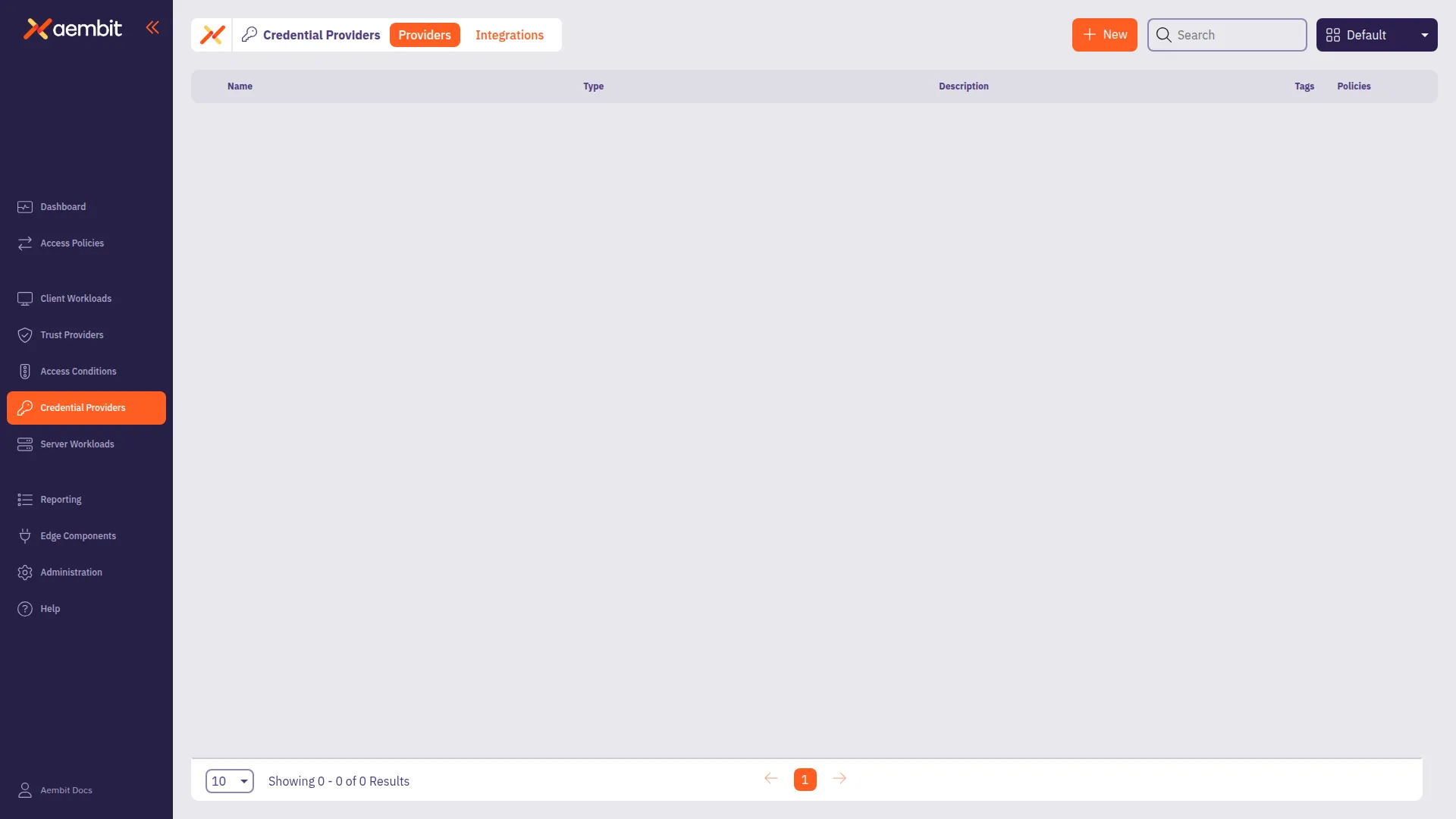
In the left sidebar, click Credential Providers.
-
Click + New to open the Credential Providers dialog window.
-
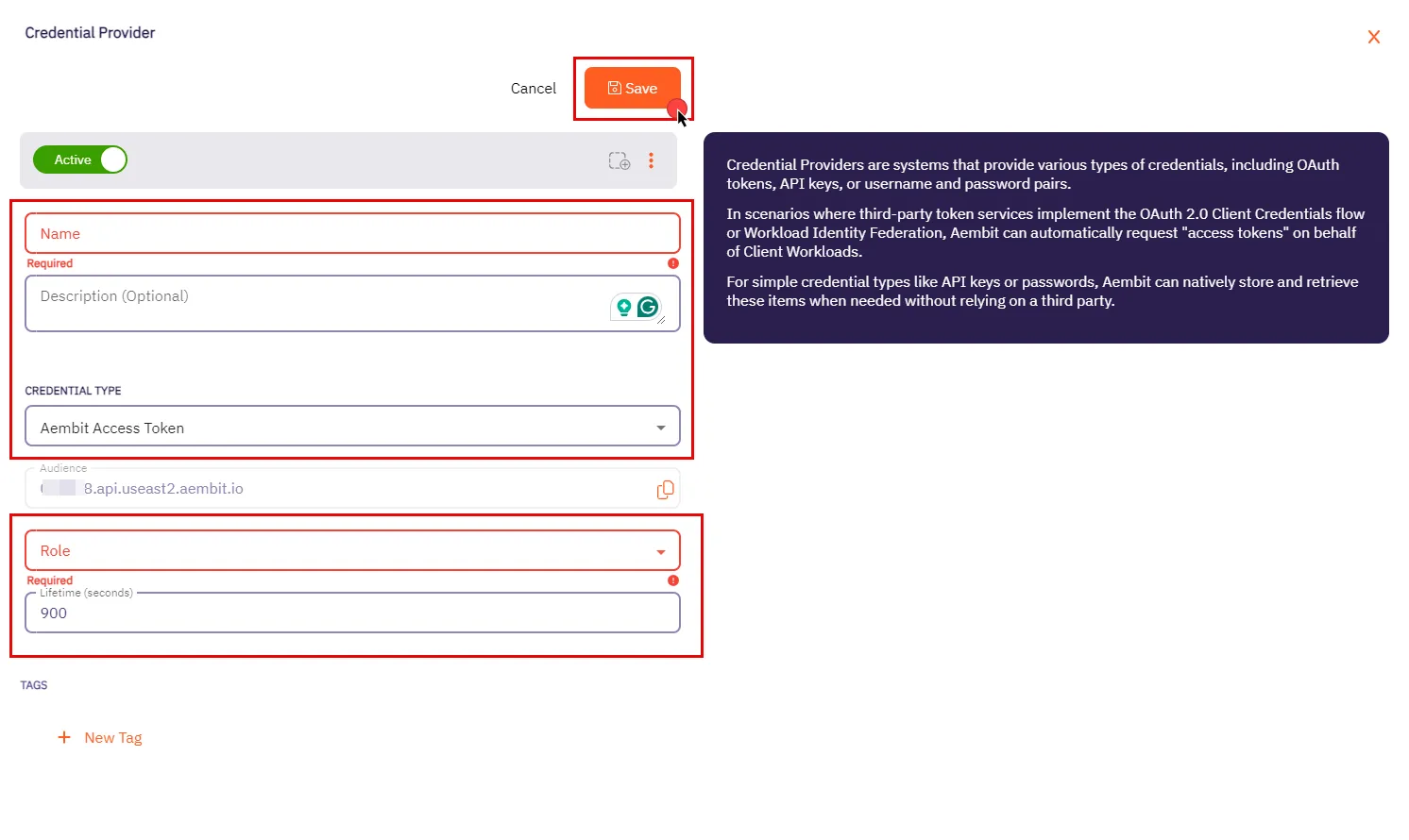
In the Credential Providers dialog window, enter the following information:
-
Name - Name of the Credential Provider.
-
Description - An optional text description of the Credential Provider.
-
Credential Type - A dropdown menu that enables you to configure the Credential Provider type. Select Aembit Access Token.
-
Audience - Auto-generated by Aembit, this is a specific endpoint used for authentication within the Aembit API.
-
Lifetime - The duration for which the generated access token remains valid.
-
-
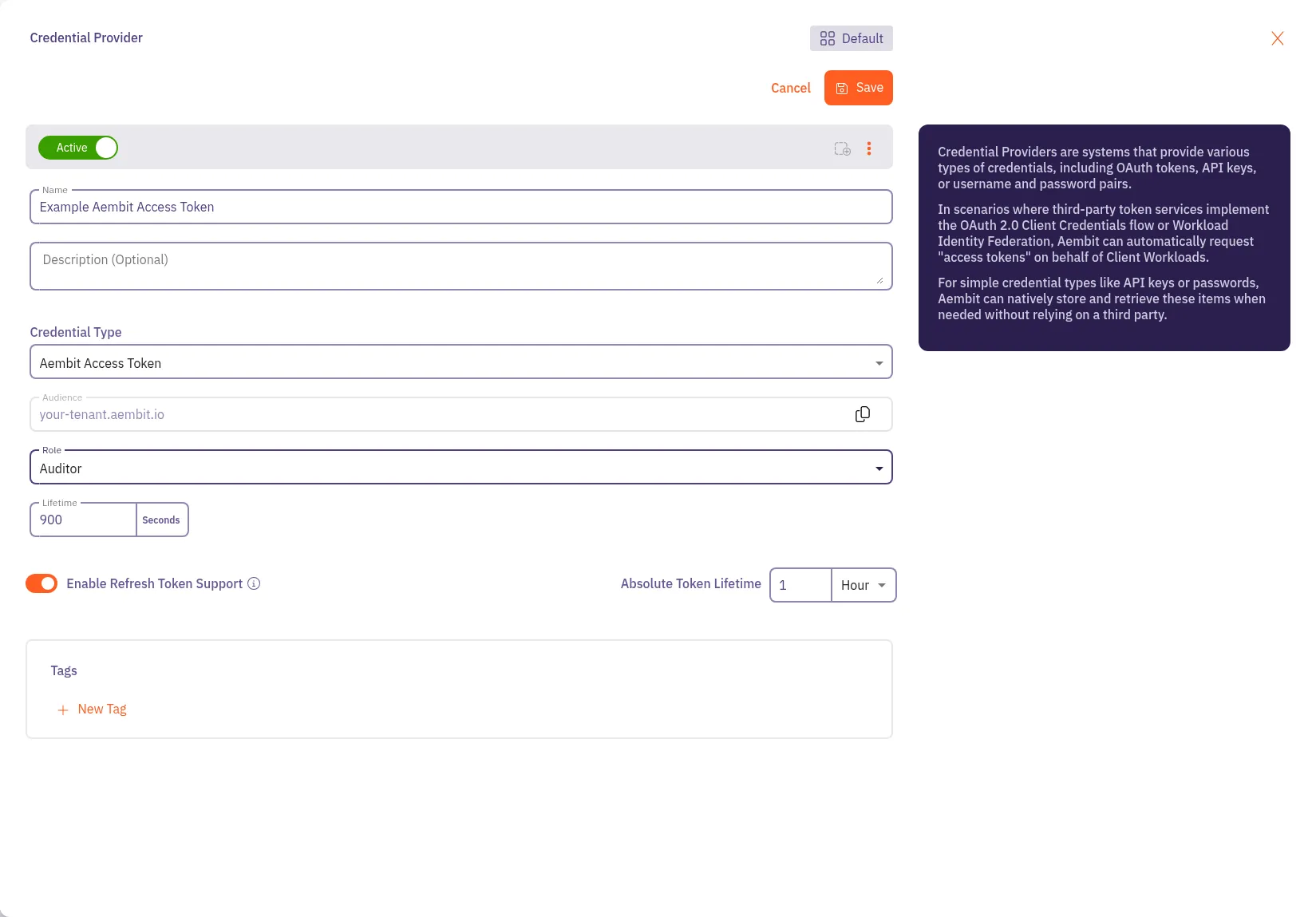
(Optional) To enable refresh token support, toggle Enable Refresh Token Support to on.
When enabled, the MCP Authorization Server can return refresh tokens alongside access tokens during OAuth token requests. Refresh tokens are single-use, and each exchange returns a new refresh token. This option only applies to MCP Authorization Server flows.
Set the Absolute Token Lifetime to control how long refresh tokens remain valid for exchanging for new access tokens after initial issuance. This value must be greater than the Lifetime value. The absolute token lifetime doesn’t reset with each refresh token exchange. Once it expires, the client must complete a new authorization flow.
-
Click Save.